Colorize old black-and-white photos — naturally
Turn black-and-white family memories into lifelike color in one tap on your iPhone — natural tones, not cartoonish. Restore fading and scratches at the same time, preview free before you pay, and keep your original untouched.
Download PicFix3-day free trial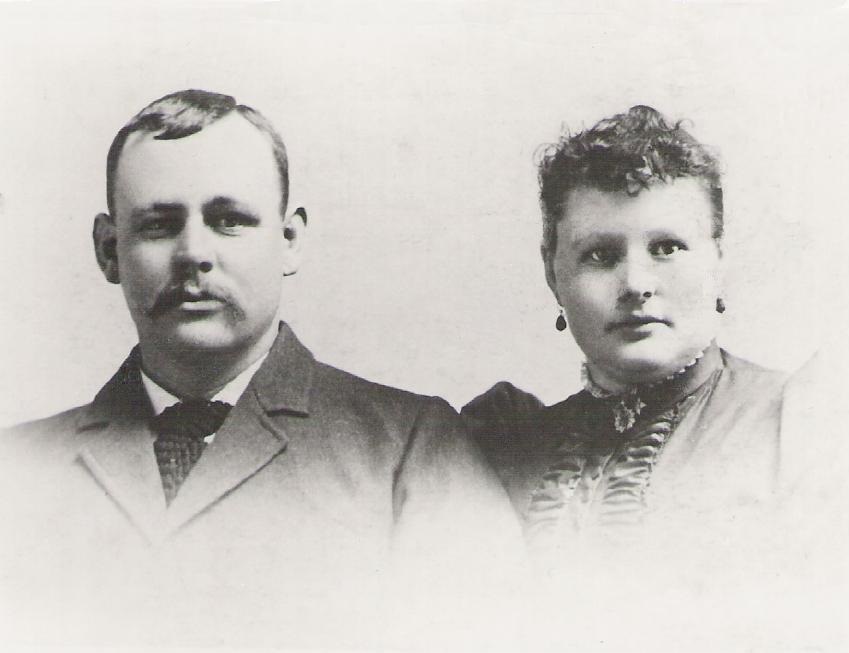
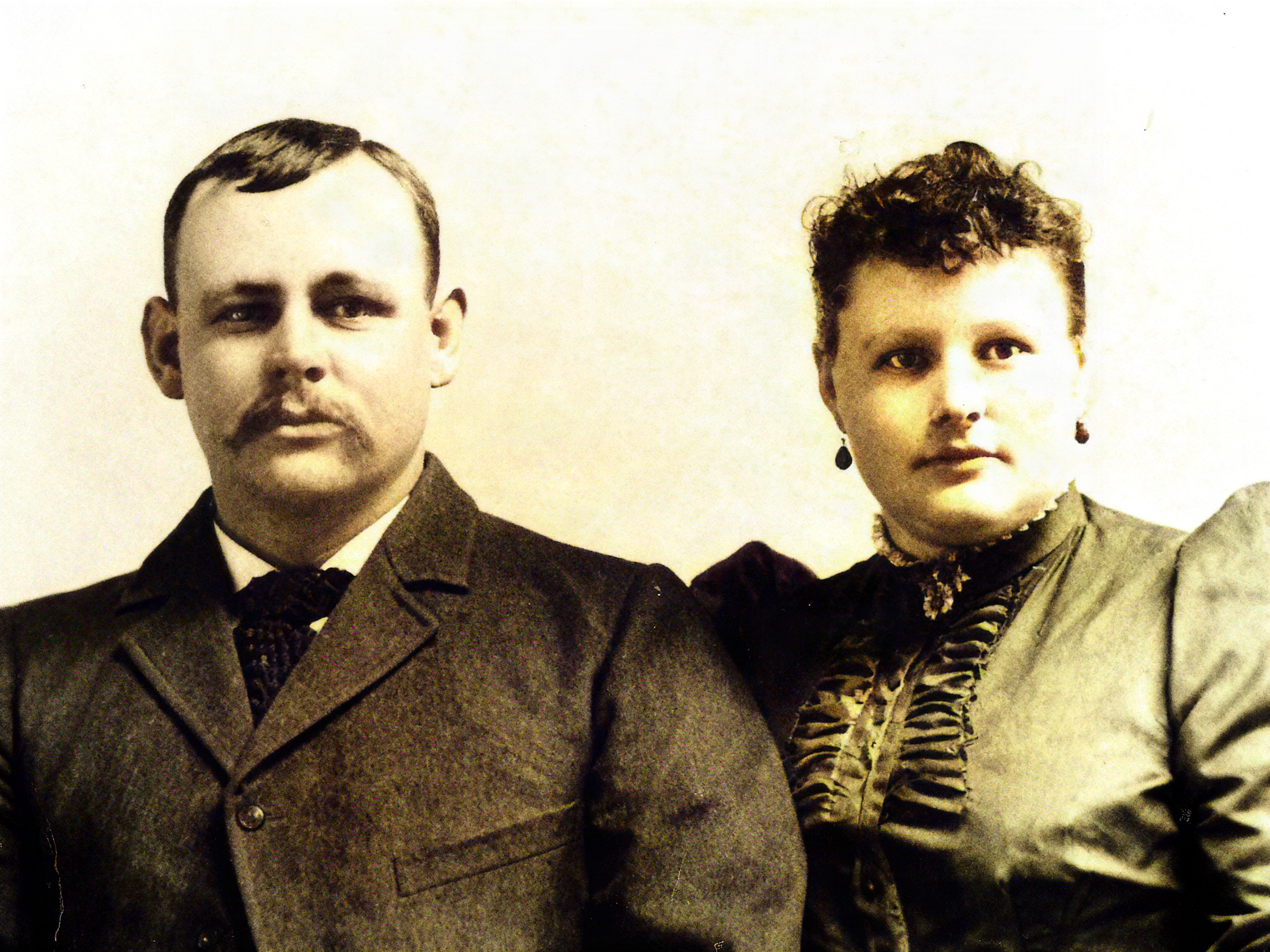
How can I colorize an old black-and-white photo? With PicFix on iPhone, open the photo, tap Colorize, and it adds natural color in one tap — while also repairing fading, scratches, and blur if the print is old. You can preview the colorized result for free before subscribing, keep the original black-and-white version, and faces stay true to the real person.
Why PicFix for colorizing
- Natural color, not cartoonish — the top complaint about cheap colorizers
- Faithful faces — colorizing doesn’t re-shape features
- Repairs while it colorizes — fading, scratches, and blur handled together
- Keeps the B&W original — save both versions
- Free preview before you pay · no ads · no watermark
How to colorize
- Open PicFix, tap Colorize (or Restore for damaged prints).
- Pick the black-and-white photo.
- PicFix adds natural color in one tap; it also repairs damage if needed.
- Preview free, compare with the original.
- Export — both the color and the original B&W are yours.
Frequently asked questions
How do I colorize a black-and-white photo on iPhone?
Open it in PicFix, tap Colorize — natural color is added in one tap.
Is the color realistic?
Yes — PicFix aims for natural tones rather than oversaturated or cartoonish color.
Can I colorize and restore at once?
Yes — it repairs fading, scratches, and blur while colorizing.
Will it keep the black-and-white original?
Yes — nothing is overwritten.
Is it free?
Preview colorized results free; full export is part of the 3-day trial.